Building Smarter with OpenCode + NVIDIA: Here's What I've Learned
· 1 min read
- OpenCode
- NVIDIA NIM
- AI Engineering
- Developer Tools
- LLM
- Coding Workflow
I’ve been using OpenCode for a while now, first the CLI, and recently the newly launched OpenCode Web. If you haven’t tried it yet, it’s an open-source AI coding agent that lets you bring your own LLM provider. That flexibility alone is a game-changer.
For my LLM provider, I’m using NVIDIA NIM: their catalog of open-source models is massive, and the free-tier rate limits are genuinely generous for development work.
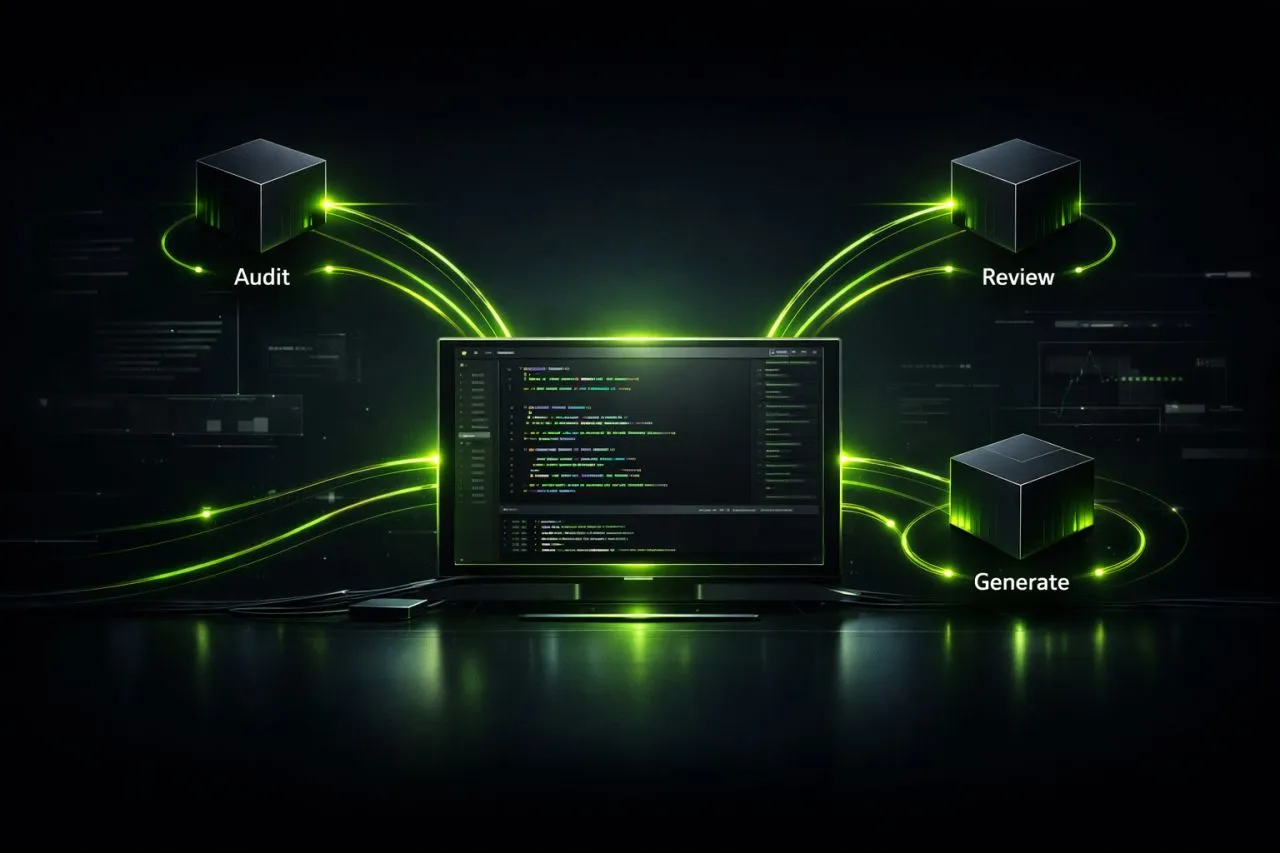
What makes it interesting is how different models excel at different tasks. Here’s roughly how I’ve structured my workflow:
- GLM-4.7 / GLM-5.1 → Code audit & bug finding
- Kimi K2 Thinking → Large-scale code review
- Qwen3.5-397B & MiniMax M2.7 → Code generation
With a well-tuned ruleset (not too short, not too long), these models perform surprisingly well. Multi-model workflows where each model handles what it’s best at? Absolutely worth exploring.
One thing I’m particularly proud of: I built a custom audit prompt that uses my MCPs, Skills, and Rules together. It runs a full codebase audit and outputs a structured findings report + implementation plan, same format every time. Consistency in AI-assisted workflows is underrated.
Is it all perfect? Nope. Free APIs mean availability isn’t guaranteed. Some models go offline during high demand and responses can slow down. Local hosting or a paid API would solve this. But for the value you get for free, it’s hard to complain too much.
If you’re building AI-assisted dev workflows, OpenCode + NVIDIA NIM is a solid combo to experiment with.